The contest-prep progress camera.
Guided, hands-free check-in sessions that coach you through every mandatory pose — then clear week-over-week comparisons your prep can actually be judged by.


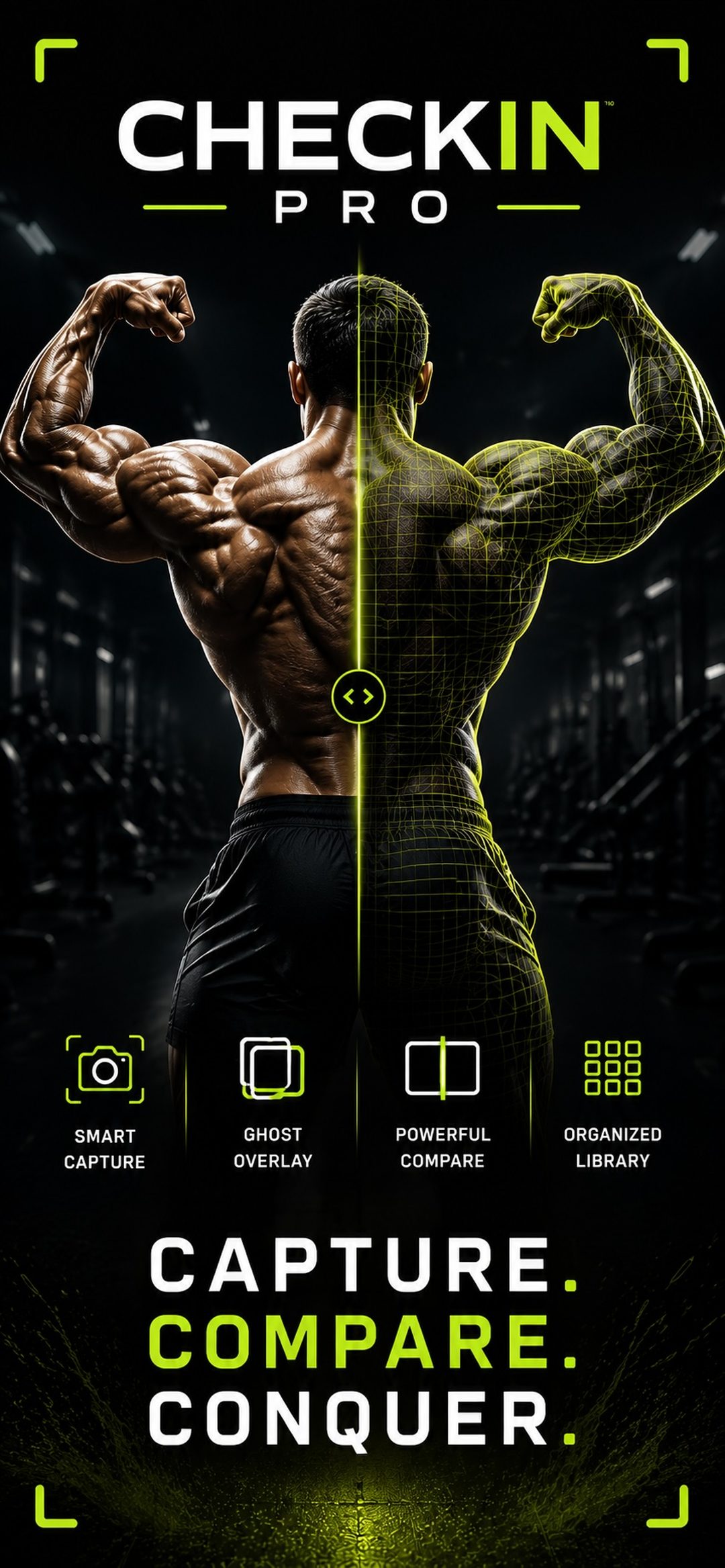
Forget perfectly timing your poses.
No more racing a ten-second timer or pressing the remote with your mouth. CheckIn Pro calls out each pose, takes the photo, and automatically advances to the next one, all the way through your mandatories. Pick how each shot fires:
Say your catchphrase
Choose your own trigger phrase. Hit the pose, say the word, and the photo is taken. No buttons, no remote.
Hold still to shoot
Get into the pose and lock it in. The countdown starts the moment you stop moving.
Classic countdown
Prefer the traditional way? A countdown timer for every pose, still advancing through the set on its own.
Everything your prep needs, in one place.
From the first check-in to show day.
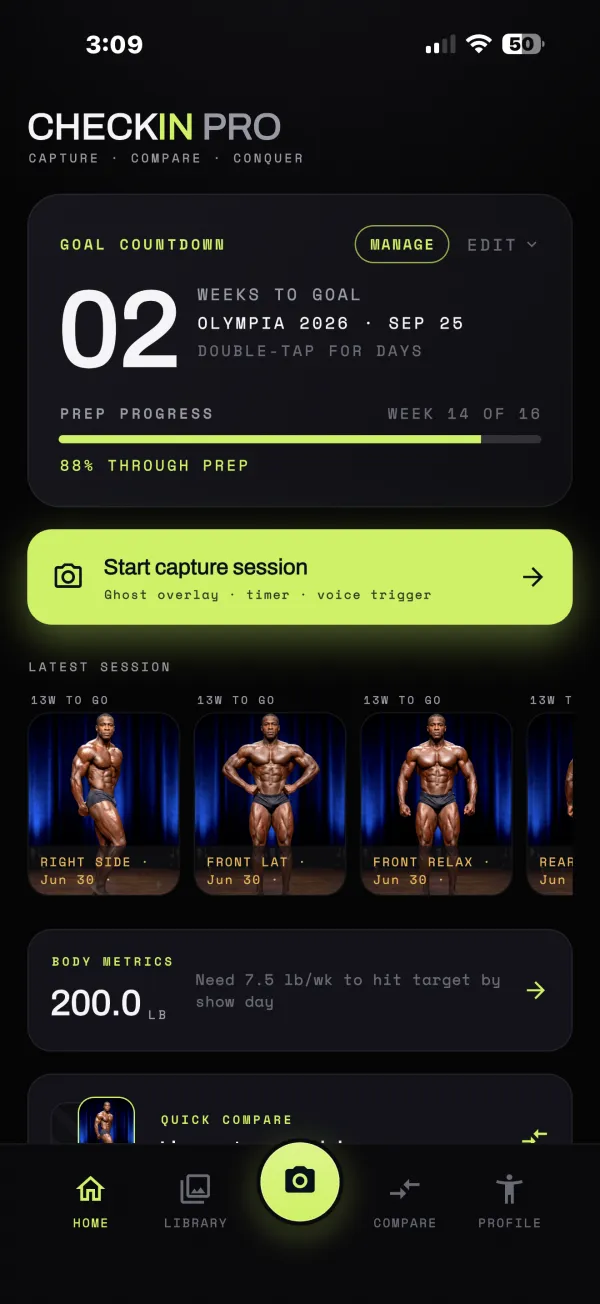
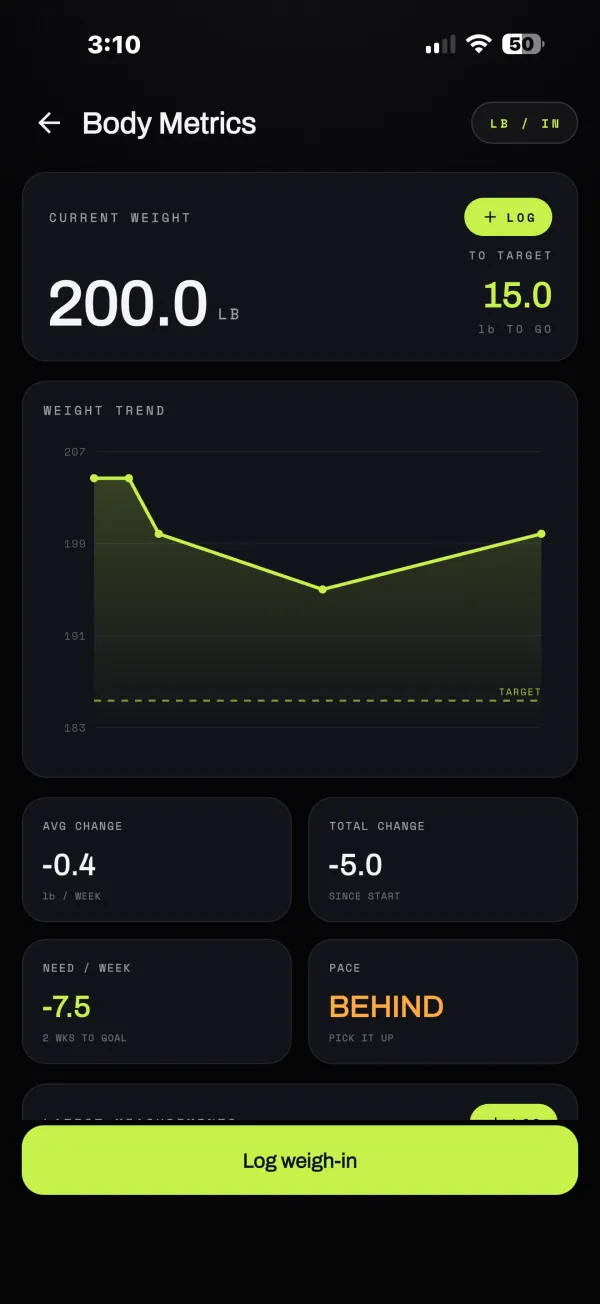
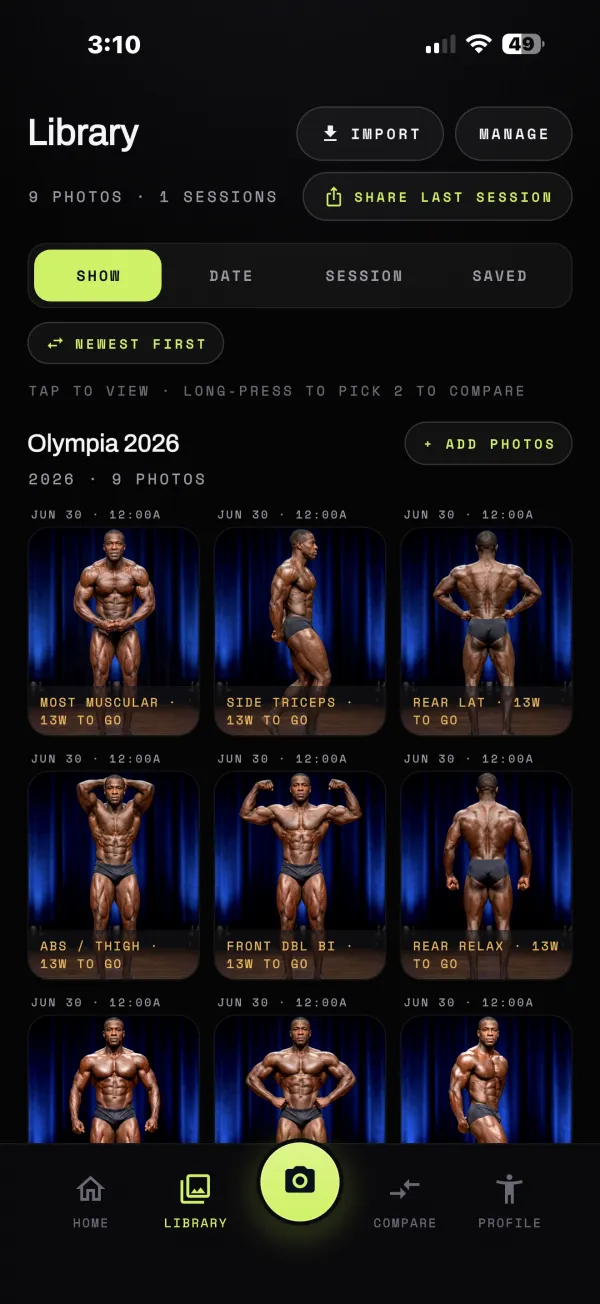
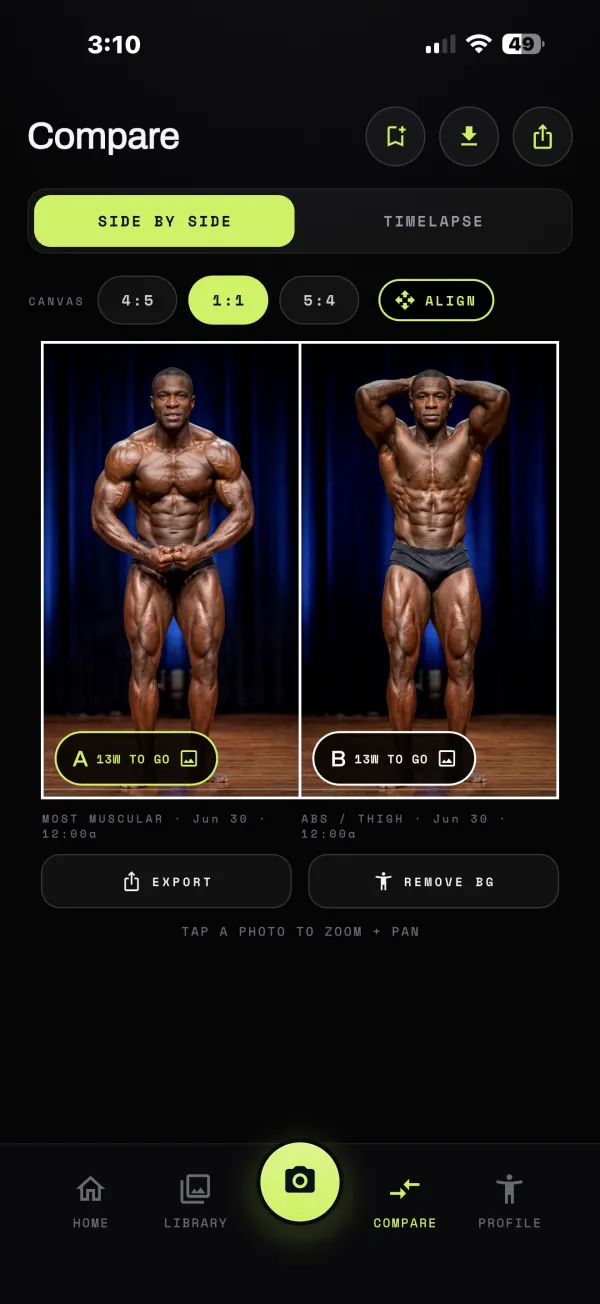
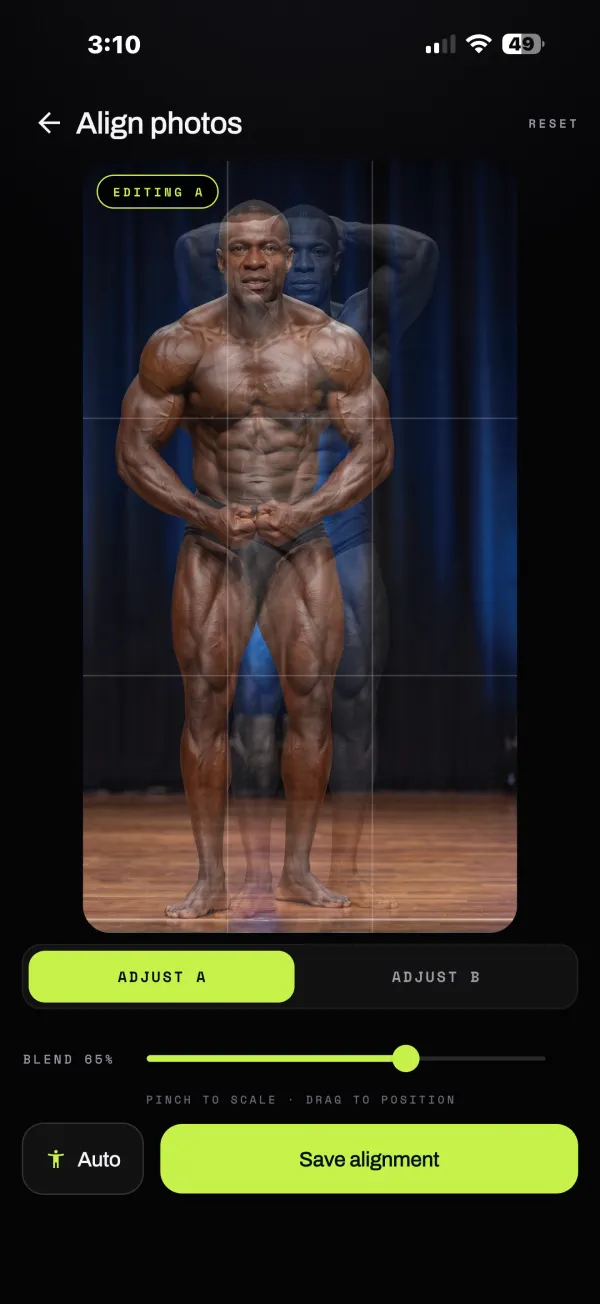
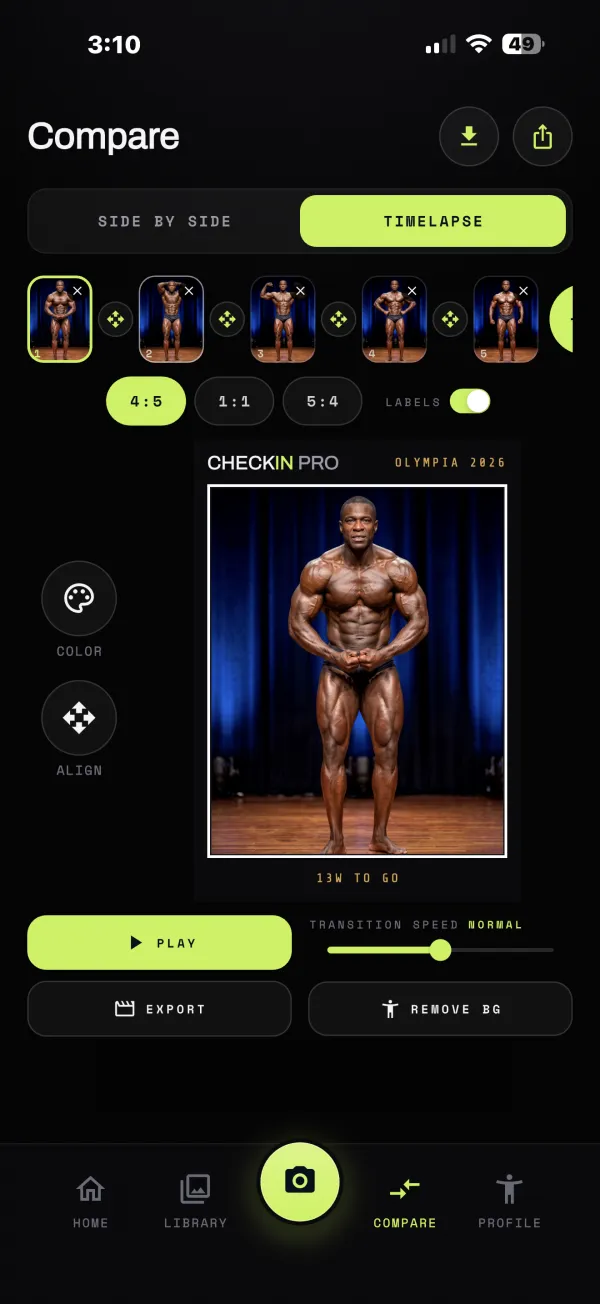
Watch the work show up.
Turn your check-ins into a timelapse, straight from the app. This one was exported from CheckIn Pro, labels and branding included.
Your photos stay on your device
Check-in photos are stored on your phone — never uploaded, never in the cloud, never seen by us. They leave your device only when YOU share them with your coach.
Hands-free capture
Set the phone down. A coaching voice calls each pose, waits for you to hold still — or for your voice cue — and fires the shot. Every mandatory pose for your division, in order.
Sharpening and quality, your call
Pick your sharpening (Off, Subtle or Standard) and your photo quality, up to your camera's full resolution. Color adjustments are minimal out of the camera; warmth and brightness are sliders you control, visible and reversible.
Compare & export
Ghost-overlay alignment, week-over-week side-by-sides, and clean exports for your coach — organized by show, prep week, and pose.
Send a whole session in a couple of taps
Tap upload on any check-in and send every photo straight to your coach, or to Dropbox, Google Drive, email, or wherever you keep them. Photos arrive as regular image files named by pose and date, with no zip to open.
Every check-in should look like the last one. Choose how much sharpening you want and what quality to save at, and CheckIn Pro keeps it that way, week after week. Color stays close to what the camera saw; any warmth or brightness change is one you make yourself, and you can always undo it.